Discord
Discord Emoji Maker
Make an emoji for Discord from a photo or a one-line idea, then upload it straight to your server. Free, no Nitro, and sized to Discord’s 128 × 128 limit.
- Export size
- 128 × 128 px
- File limit
- 256 KB
- Where to add
- Server Settings
- Nitro
- Not required
This is the emoji maker for Discord and the whole server workflow in one page: create the PNG here, upload it from Server Settings, then use it in messages, reactions, and role icons. Discord emoji live at the server level — once uploaded, every member can use them without Nitro. The upload has to be a square PNG at 128 × 128 px and no larger than 256 KB.
No photo? Use the sample below and swap it later.
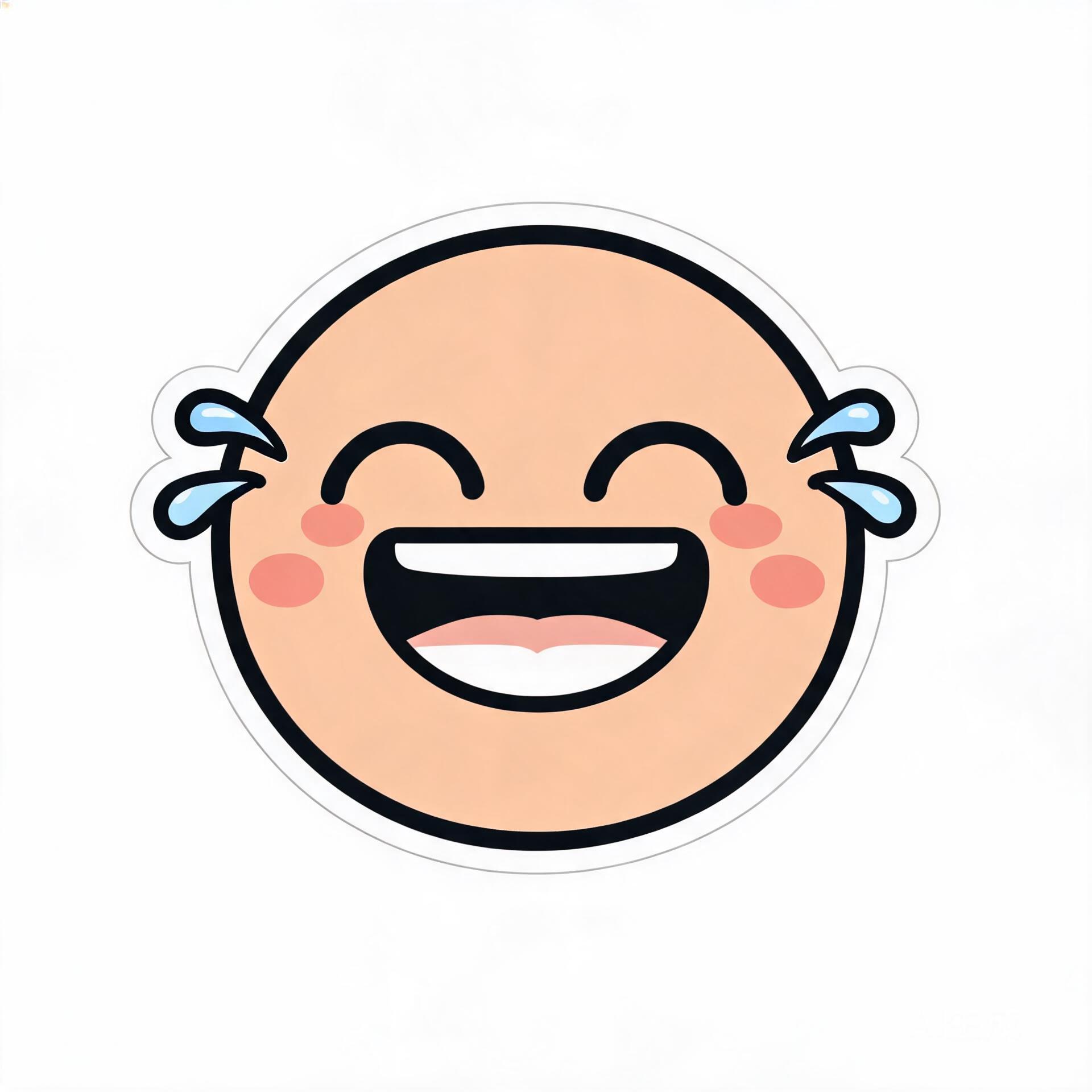
Laugh-cry · 128×128
PNG · square crop · no watermark
Free · no sign-up · exports a 128 × 128 px emoji
How to add it, step by step
- 01
Create the PNG
Upload an image or describe the emoji above. Choose 128 px and download the square PNG.
- 02
Upload it to the server
Server Settings → Emoji → Upload Emoji. Name it in lowercase and confirm the preview. You need Manage Emoji permission.
- 03
Use it in chat and roles
Type :name: in messages, pick it from the reaction menu, or set it as a role icon.
Before you upload
- Keep the PNG under 256 KB. A 128 px square export from this page stays well below it.
- Simple shapes and strong outlines stay readable at 28 px in a busy chat.
- Build a pack in one pass: download each PNG, then upload them together with a shared name prefix.
- Role icons use the same file, so keep the artwork readable at small sizes.
- If Upload Emoji is greyed out, check Manage Emoji permission and the server emoji slot count.
Questions about this emoji maker
Is this Discord emoji maker free?
Yes. Upload an image or type a description, preview the emoji, and download the 128 × 128 PNG for free. No account and no watermark.
What are Discord’s emoji size limits?
Discord accepts a square PNG at 128 × 128 px and up to 256 KB. Download at 128 px here and the file stays inside both limits.
Do I need Nitro to upload a server emoji?
No. Anyone with Manage Emoji permission can upload emoji to a server, and every member can use them inside that server. Nitro is only needed to use another server’s emoji elsewhere.
How many emoji can a Discord server have?
The default is 50 static emoji per server, and boost tiers raise the cap. If the upload button is unavailable, the server has likely hit its slot limit.
Can I make a whole emoji pack for a server?
Yes. Make each emoji one at a time, download every PNG, then upload them together from Server Settings → Emoji. Keep the names consistent — for example :brand_cat: and :brand_wave: — so members can find the set.
Can I use a custom emoji as a role icon?
Yes, if the server has the role-icon feature available. Upload the same 128 × 128 PNG through the role settings after it has been added as a server emoji.