Emoji Maker
Upload an image or type what you want — preview it right here, then download a ready-to-use PNG. No app, no sign-up, no watermark.
No photo? Use the sample below and swap it later.
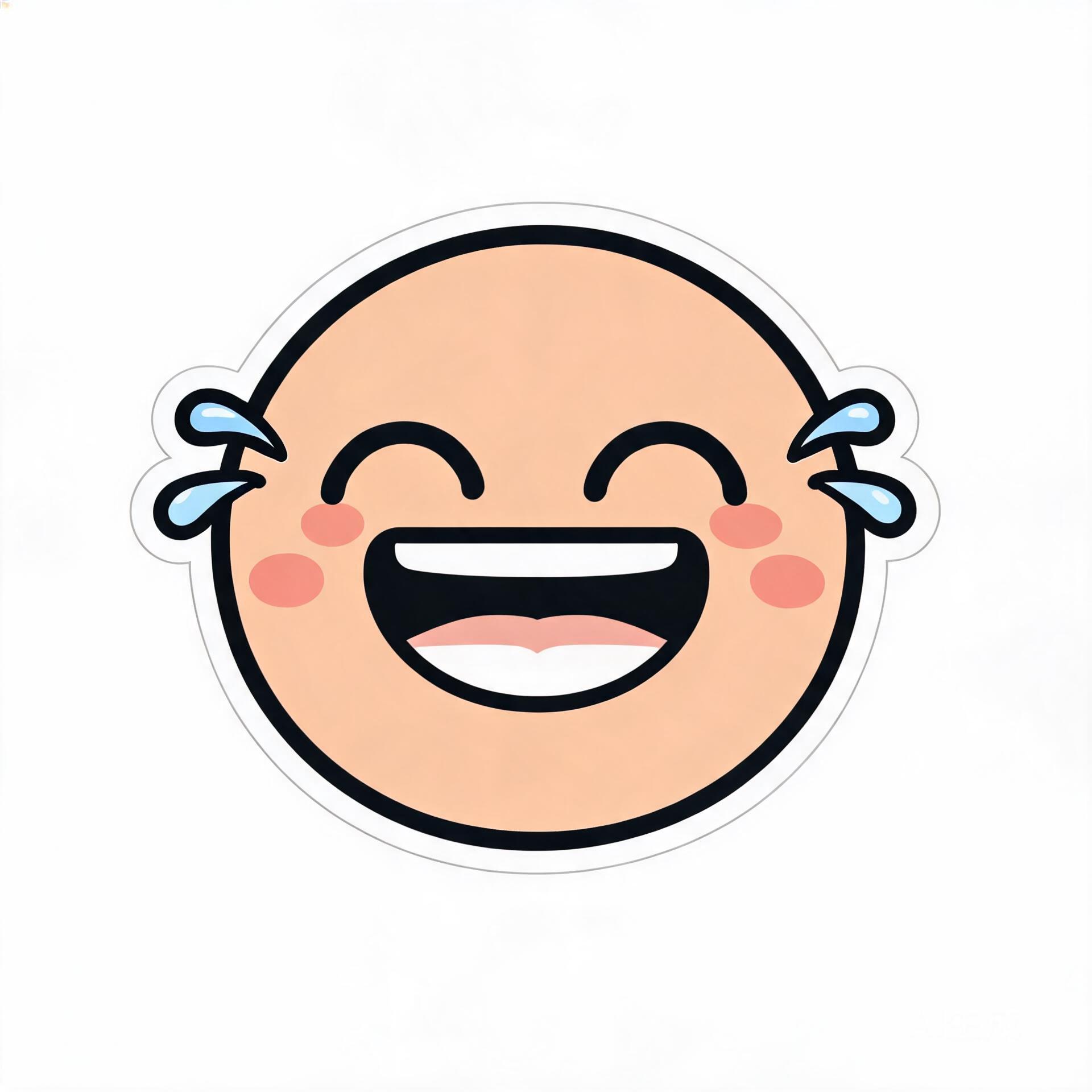
Laugh-cry · 128×128
PNG · square crop · no watermark
Free · no sign-up · download a ready-to-use PNG
Free foreverNo sign-up128 × 128 PNG in seconds
Sample output · tap to try

One emoji maker, sized for every chat app
Each guide opens the maker with the right export size and lists the upload steps for that platform.
An emoji maker, generator, and creator in one place
People search for emoji generator, emoji creator, make your own emoji, or custom emoji maker. They all mean the same job: turn an image or a line of text into an emoji you can actually use. This page does that on one screen — there is no second tool hidden behind a sign-up.
Emoji generator
Upload an image or describe a scene and get a finished, square PNG.
Emoji creator
Create custom emoji from a photo, a drawing, or a single line of text.
Make your own emoji
Start from a selfie or from scratch. No templates to browse, no design skills.
Custom emoji maker
Free for personal use, no watermark, no account, and no app to install.
Emoji sizes for Slack, Discord, and iPhone
Chat apps reject emoji that are too large. Use this table to pick the export size before you download, so the upload works the first time.
| Where it goes | Export size | File limit | How to add it |
|---|---|---|---|
| Slack | 128 × 128 PNG | 128 KB | Workspace settings → Customize → Emoji |
| Discord | 128 × 128 PNG | 256 KB | Server settings → Emoji → Upload emoji |
| iPhone / iMessage | 128 × 128 PNG | No app | Save to Photos, then add it as a sticker |
| 512 × 512 PNG | 100 KB | Add it to a sticker pack | |
| Telegram | 512 × 512 PNG | 512 KB | Upload through a sticker bot |
Slack upload stepsDiscord upload stepsUse it on iPhone without an app
Open it, make it, download it
Upload or type
Drop in a photo, or describe the emoji you want in one line. Nothing to install.
Preview instantly
The square preview updates on the page, with the export size shown next to it.
Download the PNG
Pick 128 px for Slack and Discord or 512 px for WhatsApp, then download.
Emoji maker FAQ
Is this emoji maker free?
Yes. The maker, the live preview, and the PNG download are free and need no account. There is no watermark on the PNG and no app to buy.
Do I need an app or a plugin?
No. It runs in any modern browser, including Safari on iPhone. Upload a photo or type a line of text, preview the result, and download the PNG.
What is the difference between an emoji maker, generator, and creator?
Nothing functional. Emoji maker, emoji generator, emoji creator, and make your own emoji all describe the same job: turning an image or a text idea into a usable emoji. This page covers all of those searches with one tool.
Can I make my own emoji from a photo?
Yes. Upload a JPG, PNG, or WebP image, pick an export size, and download it. The image is cropped to a square so it fits chat emoji slots without stretching.
What size should a custom emoji be?
Use 128 × 128 px for Slack and Discord. Use 512 × 512 px for WhatsApp and Telegram. The size chips above the download button switch the export instantly.
Can I use these emoji on Slack and Discord?
Yes. Slack accepts 128 × 128 PNG up to 128 KB, and Discord accepts 128 × 128 PNG up to 256 KB. Both platform guides walk through the upload step by step.
Make one now, use it in the next chat
Free, no sign-up, and the PNG is yours to keep.